Everything a field team needs.
How to build, power, load and share a village server, written by the people who test them. Each guide has a printable PDF for offline use.
 Eric's VillageServer companion site
Download VillageServer OS, follow the full setup guides and see more field photos, kept by Eric Johnson, our hardware tech specialist.
One library, five ways to share it.
- microSD card1 personHow sharing works
- Wi-Fi sharing hubUp to 5 phonesPhone distribution
- Raspberry Pi village server20–40 peopleField configurations
- Projector and audioHundreds at onceProjector systems
- Satellite receive-and-replayThousands across a regionSatellite systems
What we send is the card and an SD card adapter. The phones, Wi-Fi hubs, Raspberry Pi servers, televisions, projectors, solar power and satellite equipment are obtained locally by the people who deploy them. We are not able to send equipment or funding at this stage, and we would rather say so here than let anyone plan around it. Apply for a card
Start here
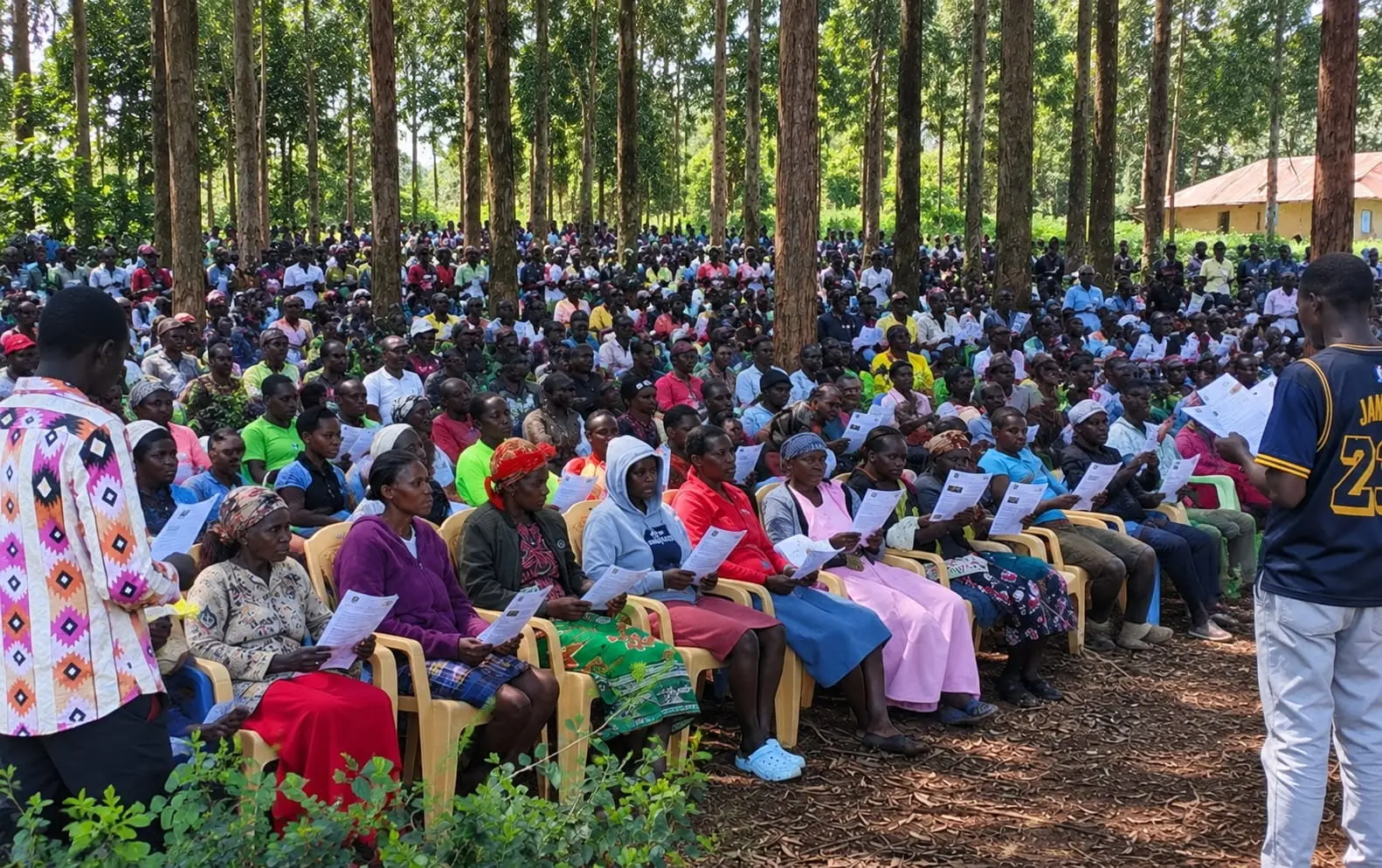 How it fits togetherThe whole field model on one page, and how ministries can get help.
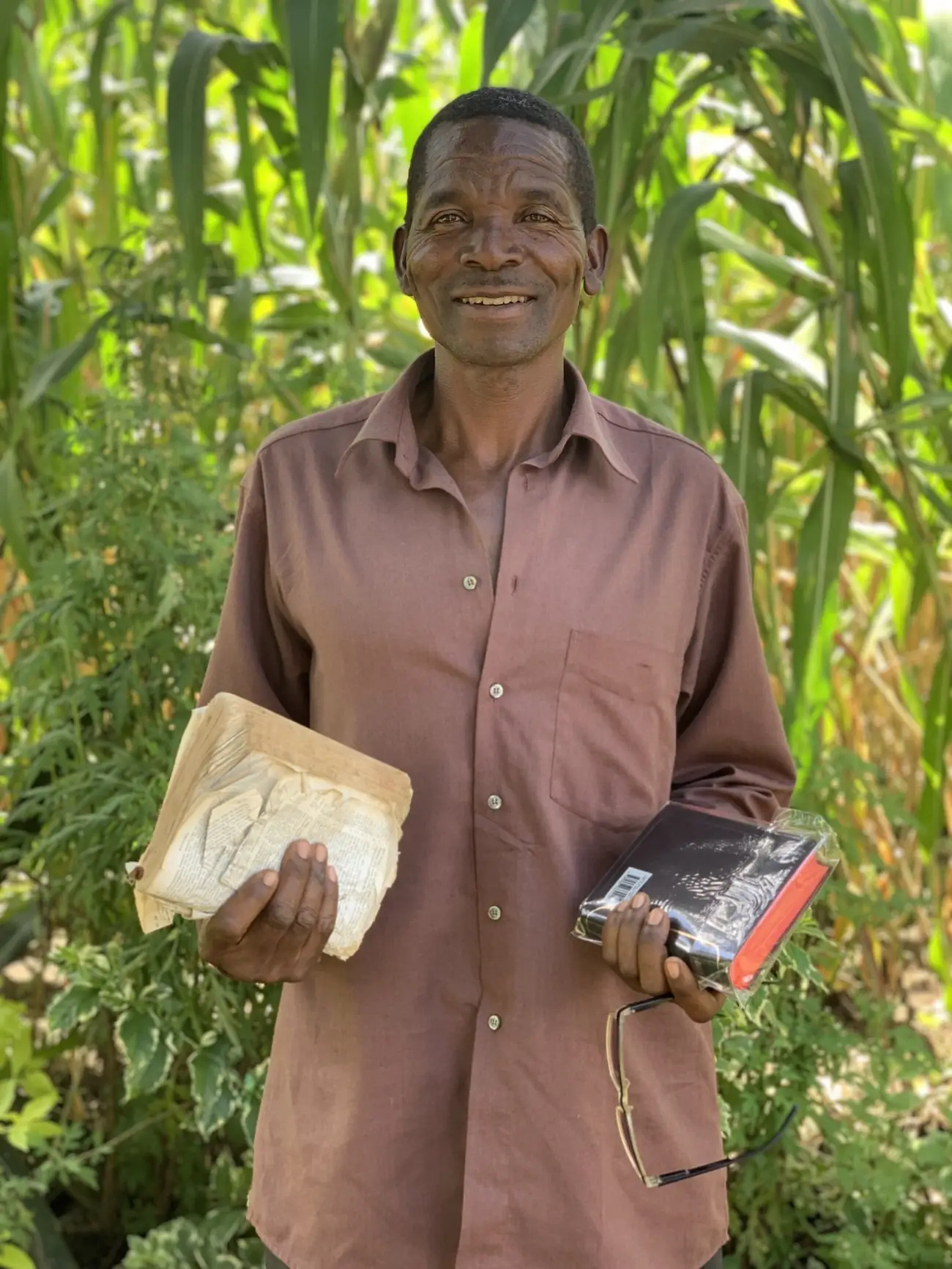 Why it existsThe problem is delivery, not content. What we carry and why.
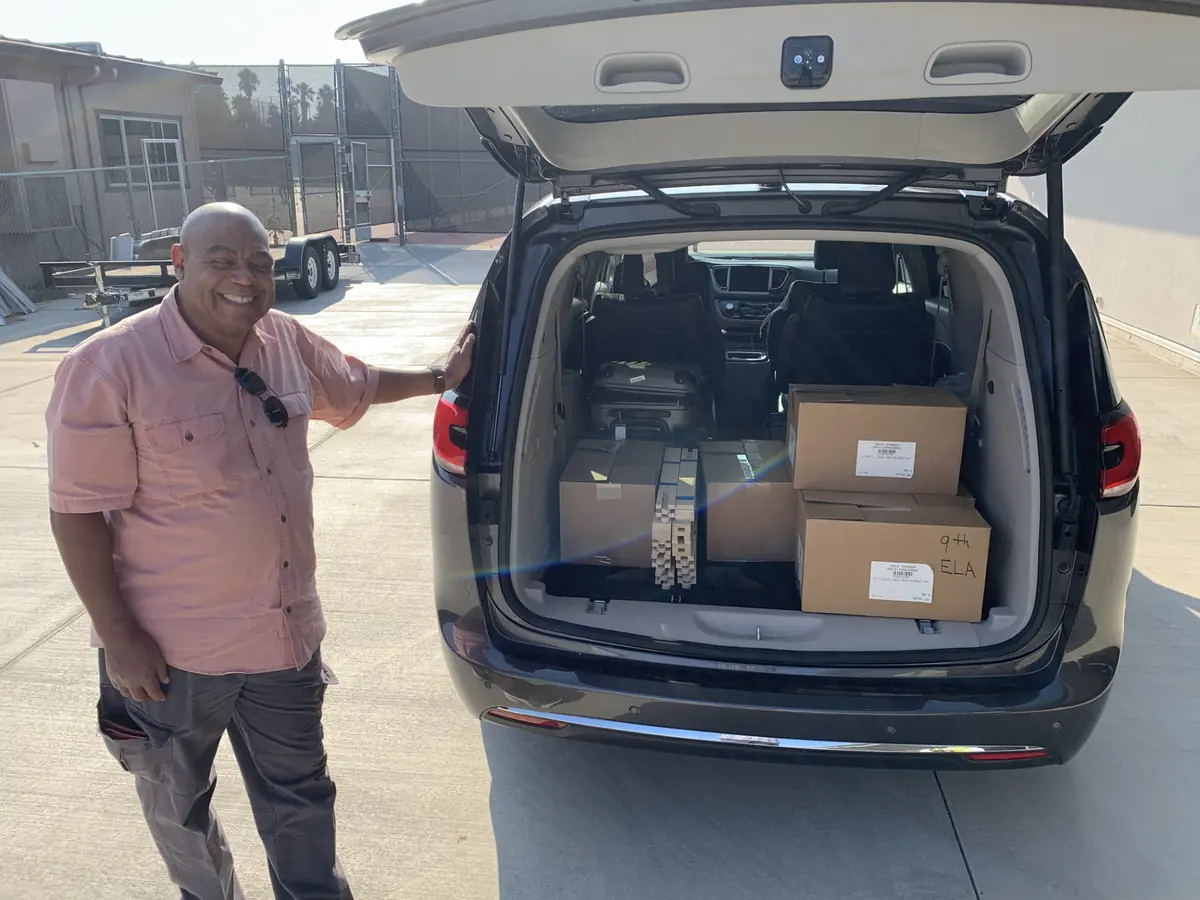 Access pathsPhones, Wi-Fi libraries, projection and satellite: pick only what the field needs.
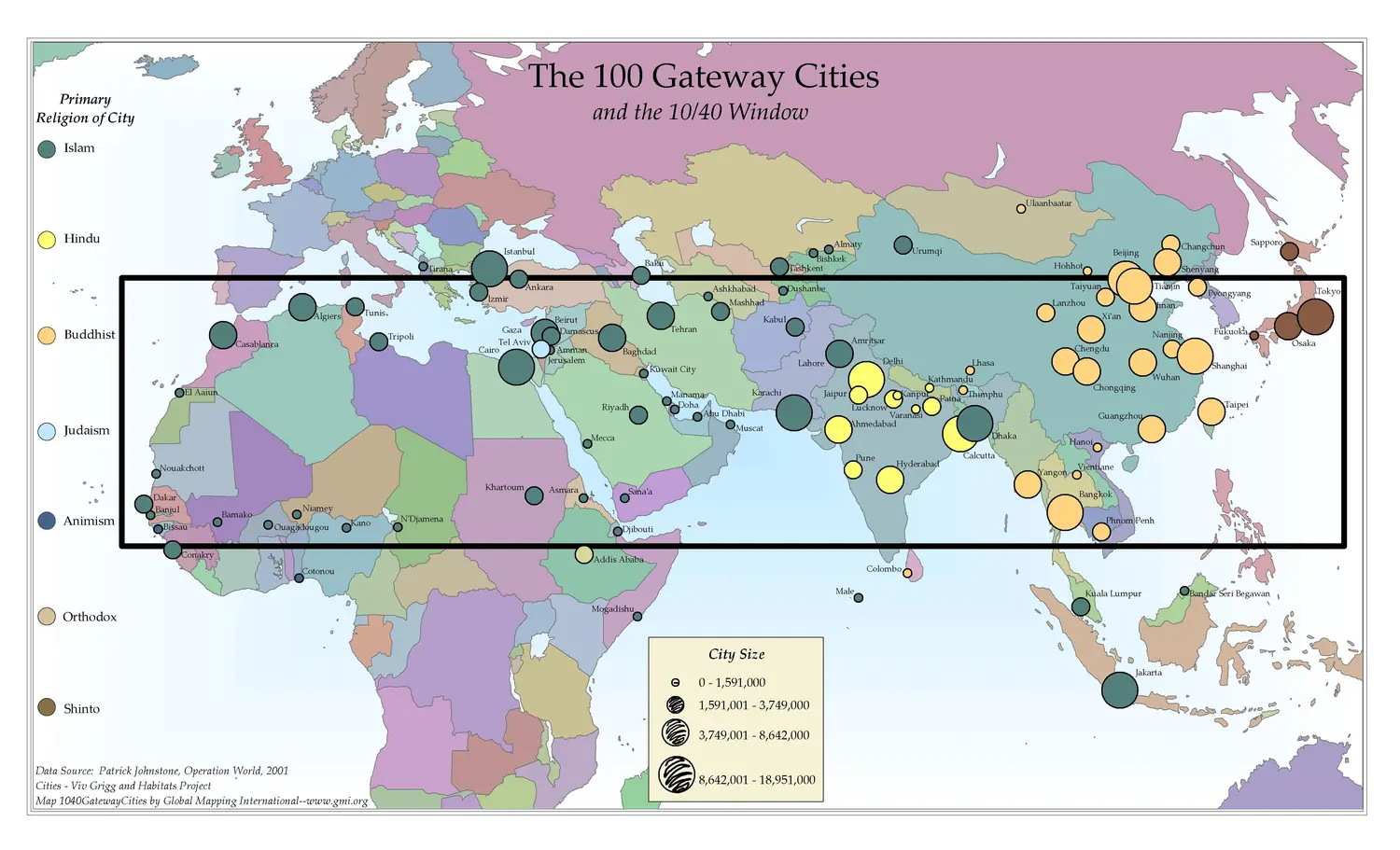 Rollout and reachProve it in one place before scaling it.
Build the kit
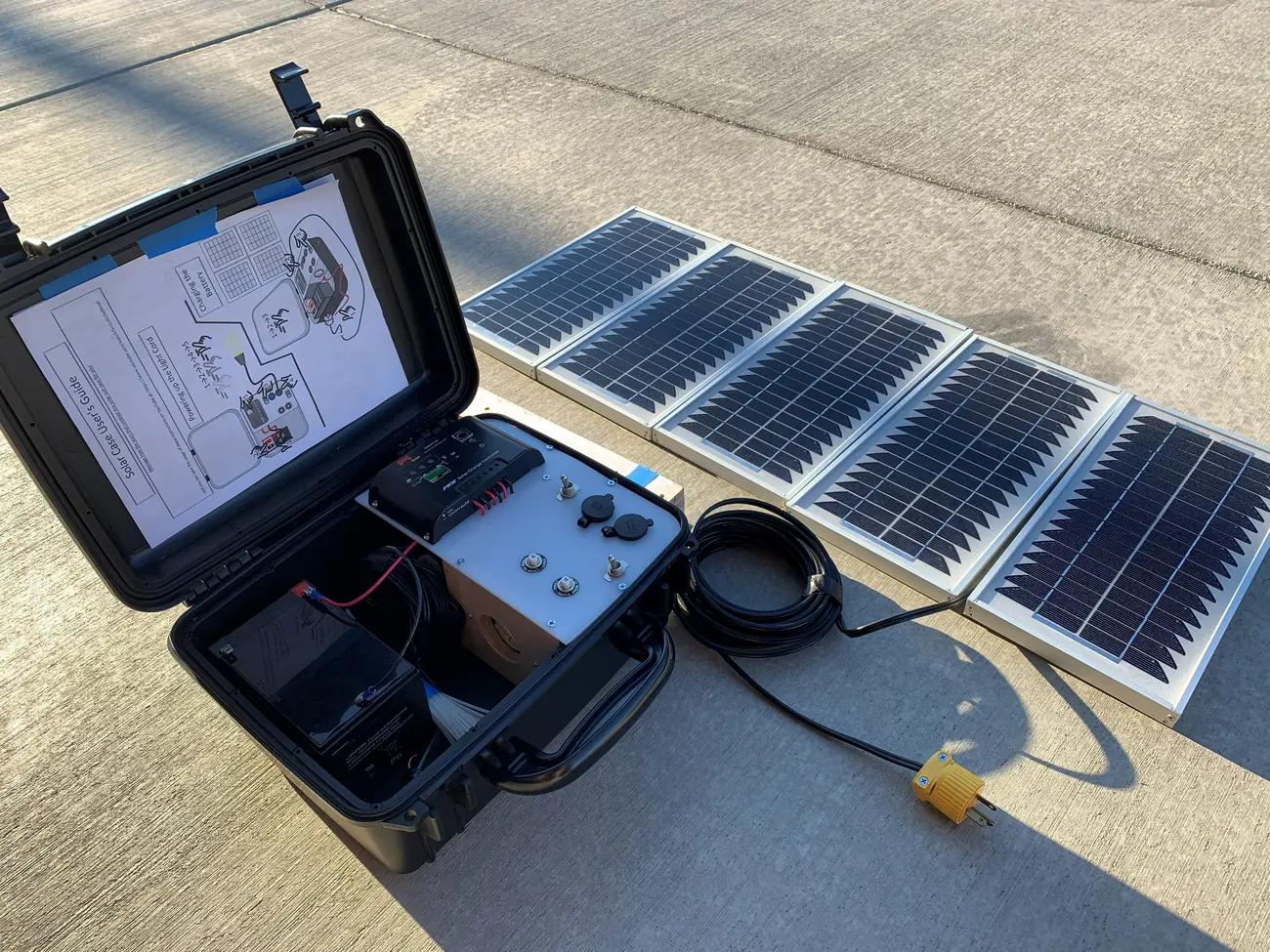 Field configurationsFour kit levels, from a phone to a satellite-fed server.
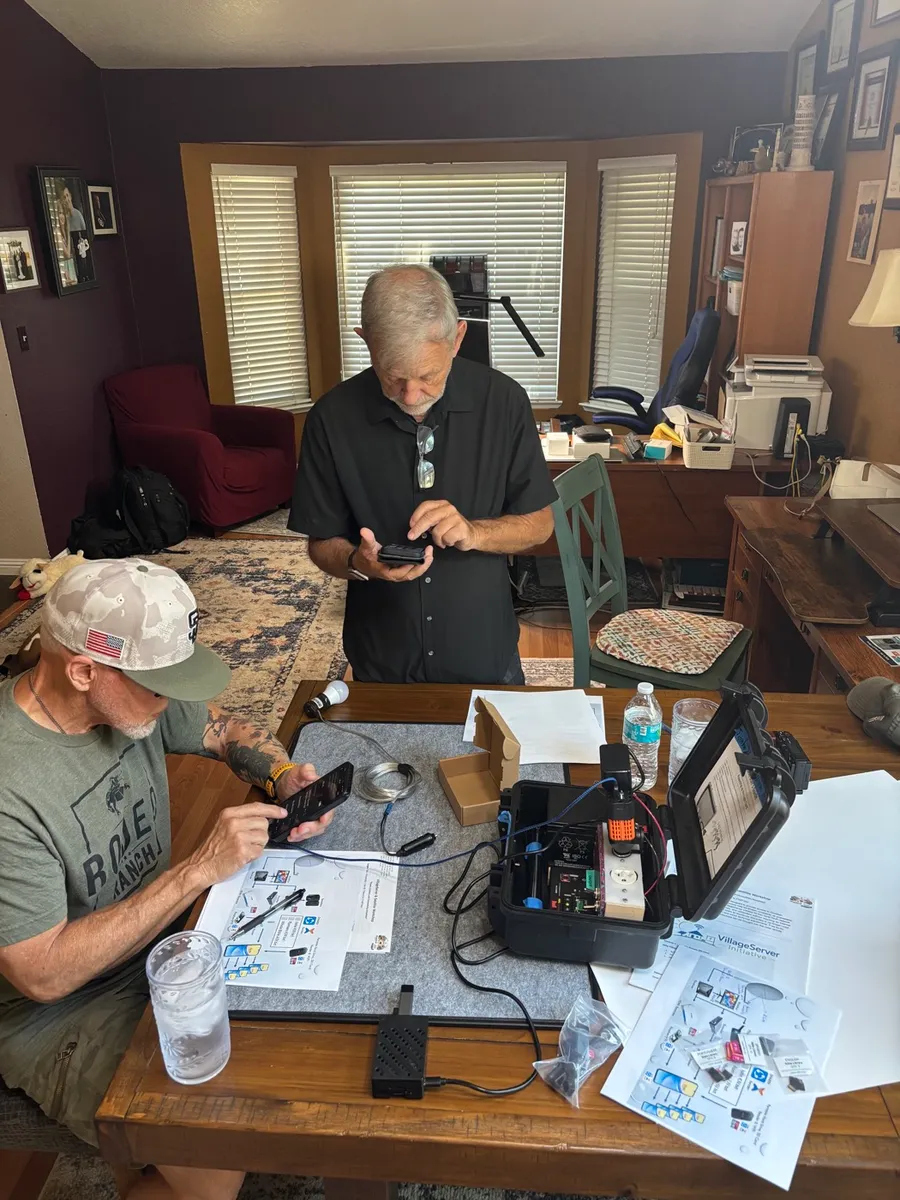
 Raspberry Pi village serverHardware list, quick start and a live phone demo.
 Power and solarKeep the kit running for a full session off-grid.
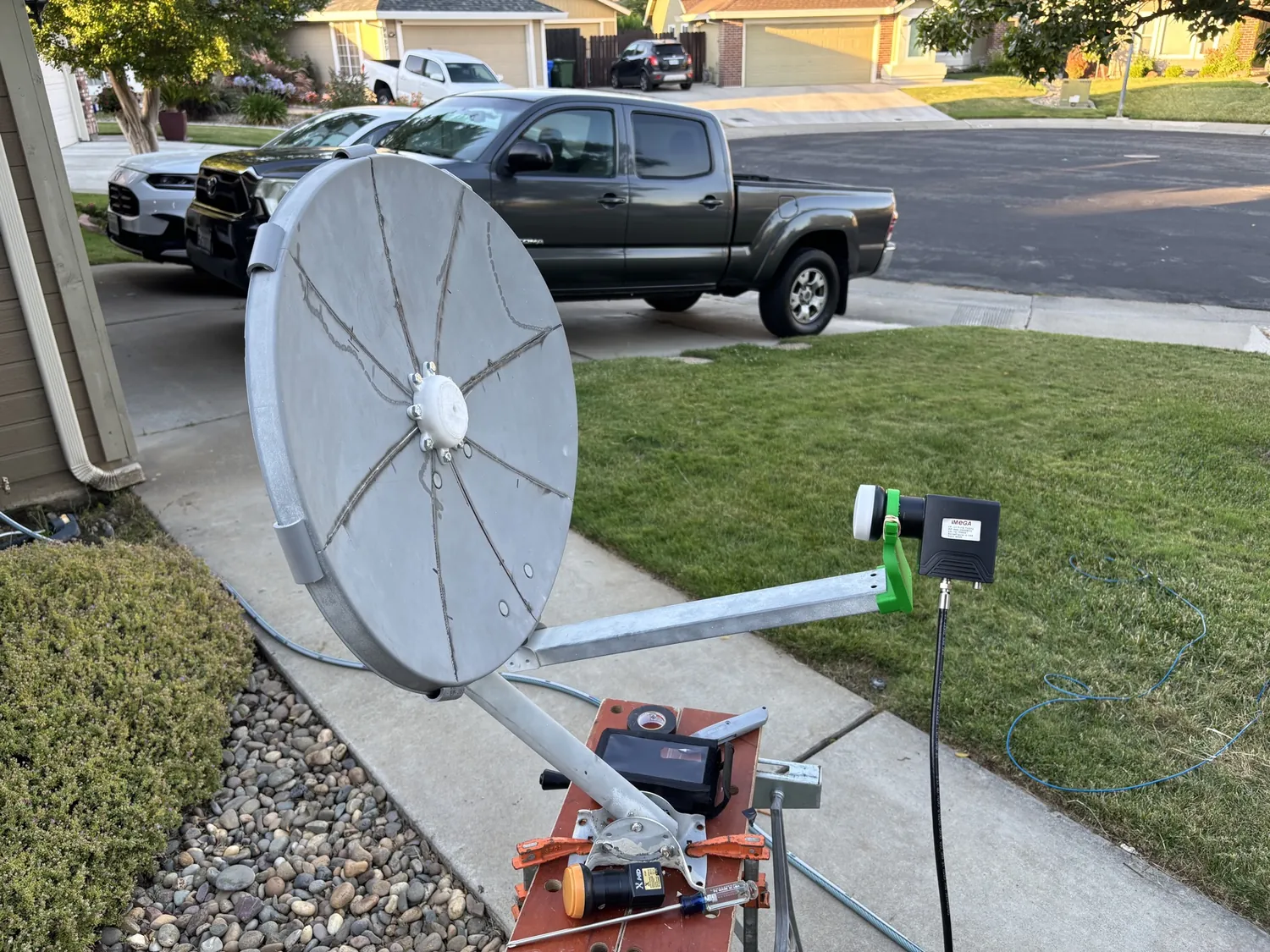 Satellite systemsRetrofit a dish, aim it, and use the aiming calculator.
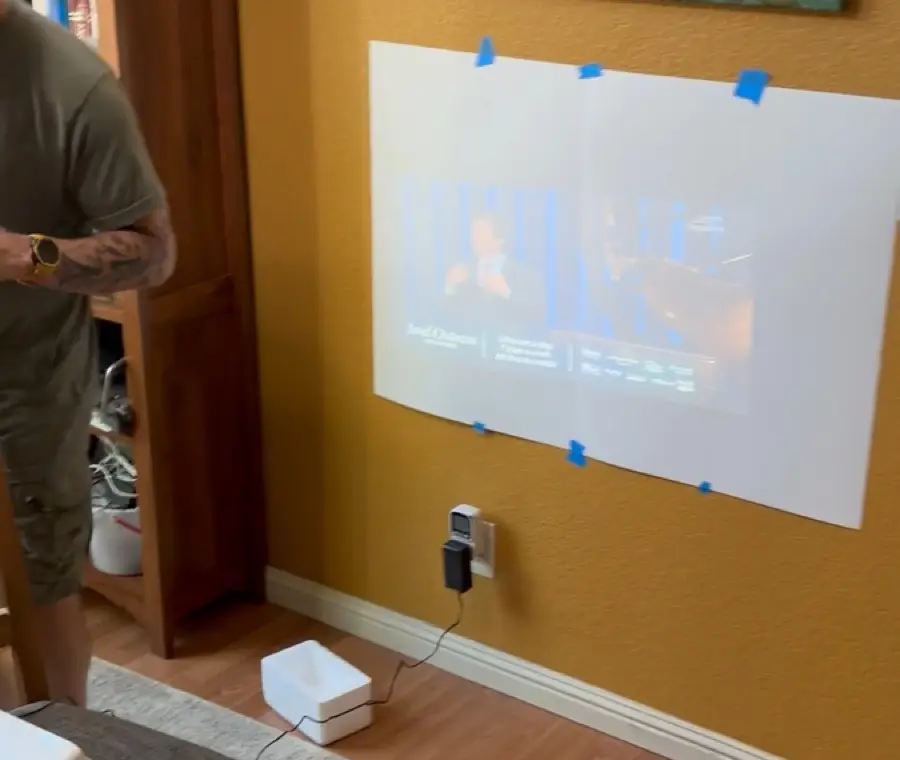 Projector and audioOne library, a whole room.
 Content librariesWhat goes on the cards, and how to organise it.
Share in the field
 Phone-to-phone sharingOne phone shares to the next, no data needed.
 Transfer between devicesAndroid, iPhone, computer and microSD, with a PDF for each.
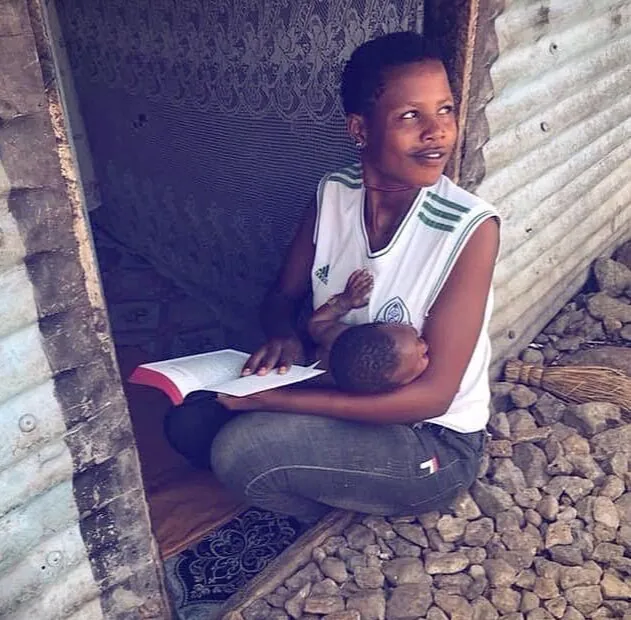 Get and share resourcesThe access path people can repeat without you.
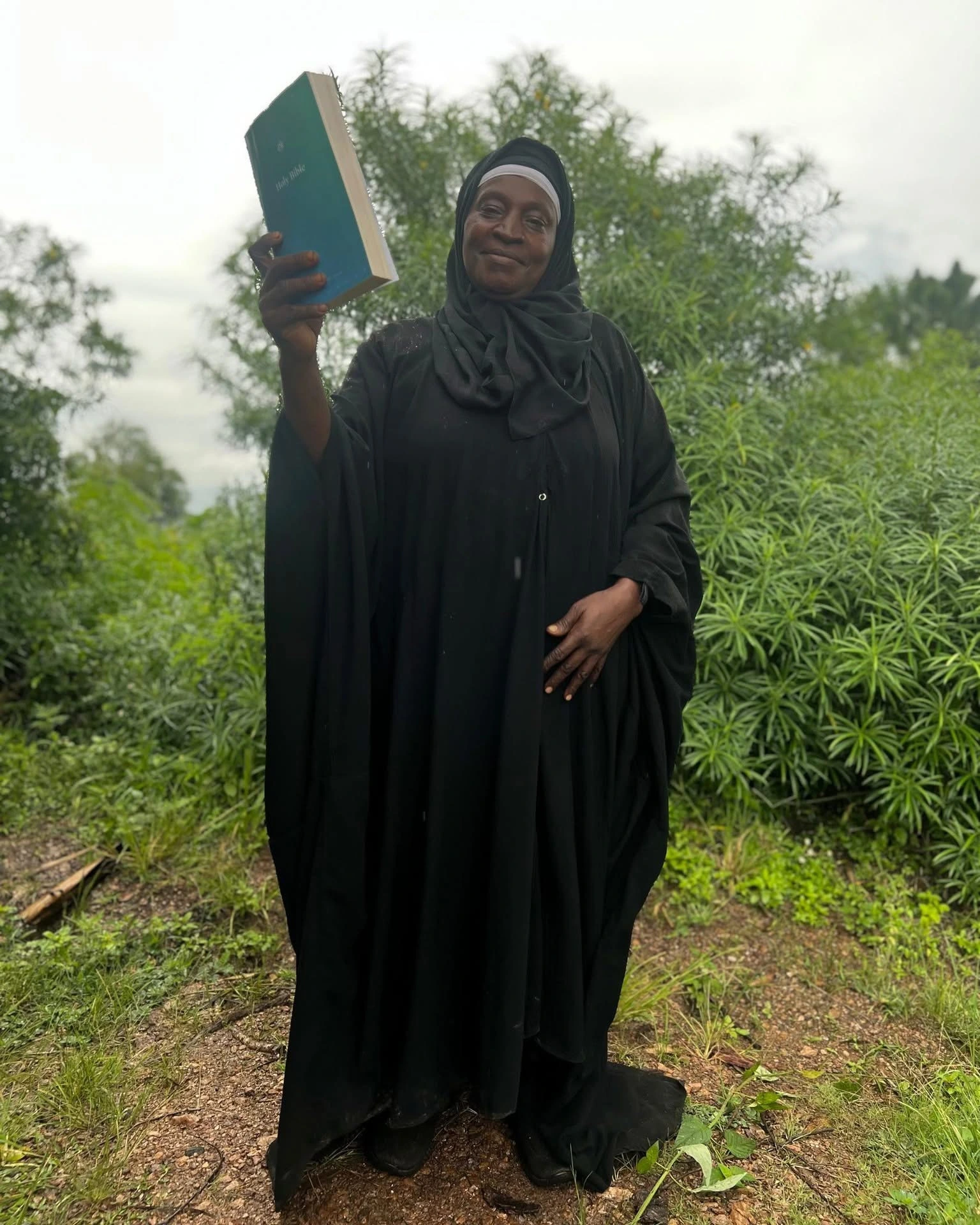 Sharing the libraryOne person receives, then teaches the next.
Train and report
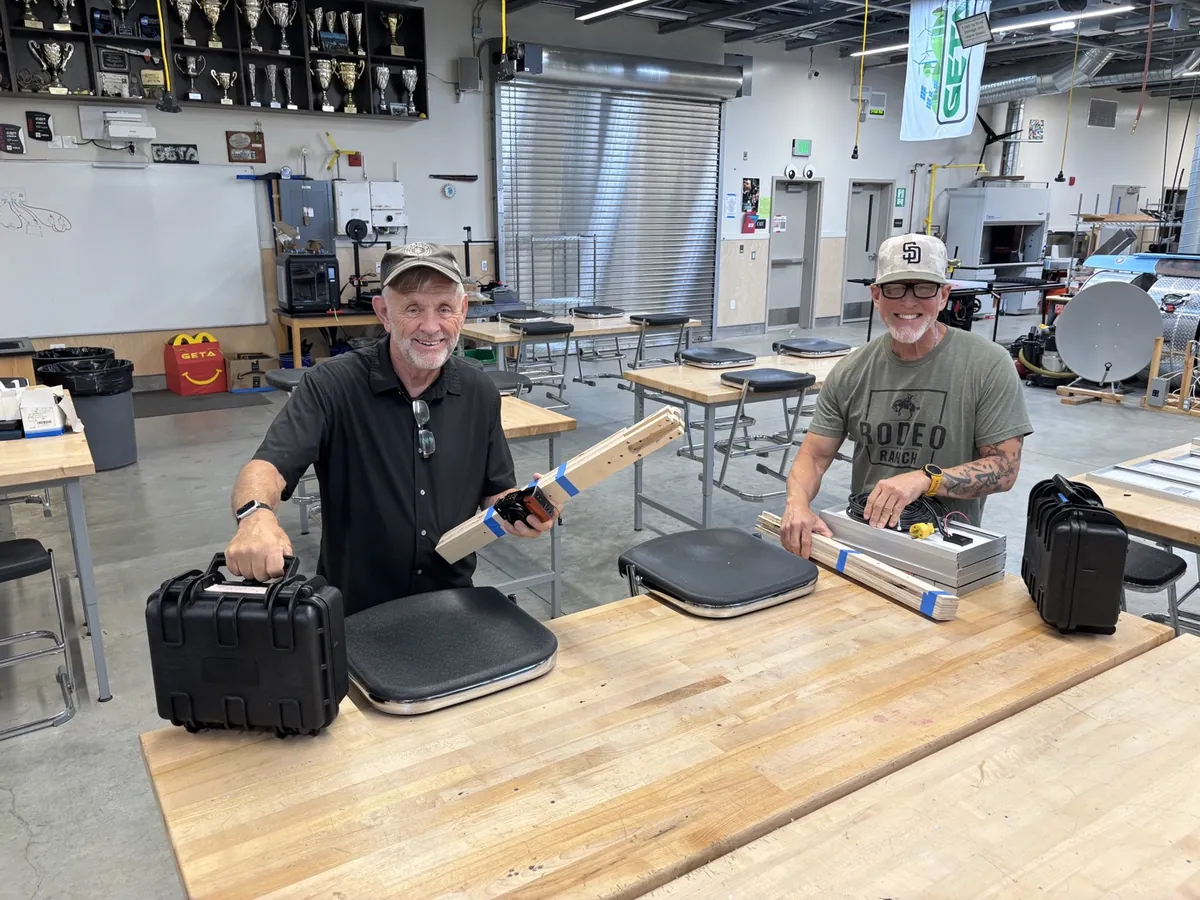 Setup guideSix steps from kit to first file.
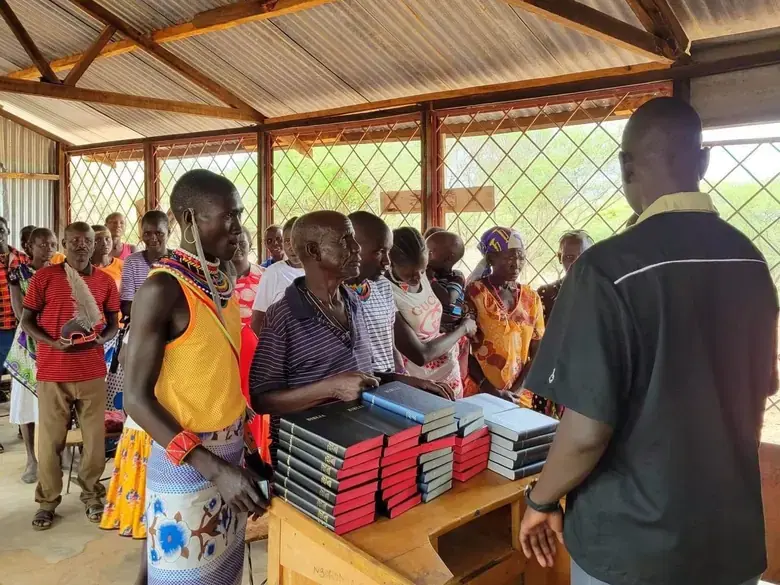 Field FAQPlain answers to the questions that come up every time.
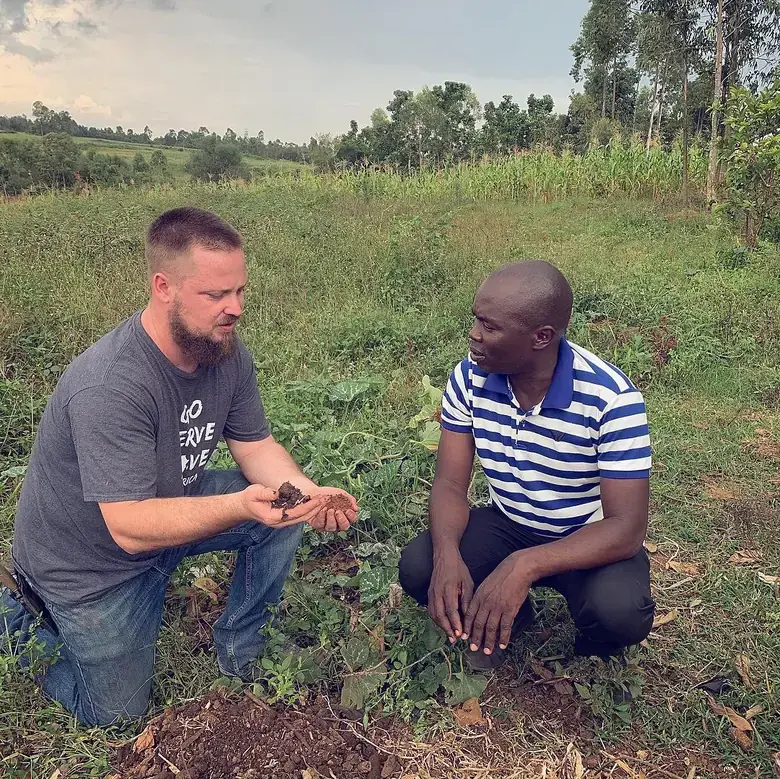 Collecting testimoniesHow to record stories with care and consent.
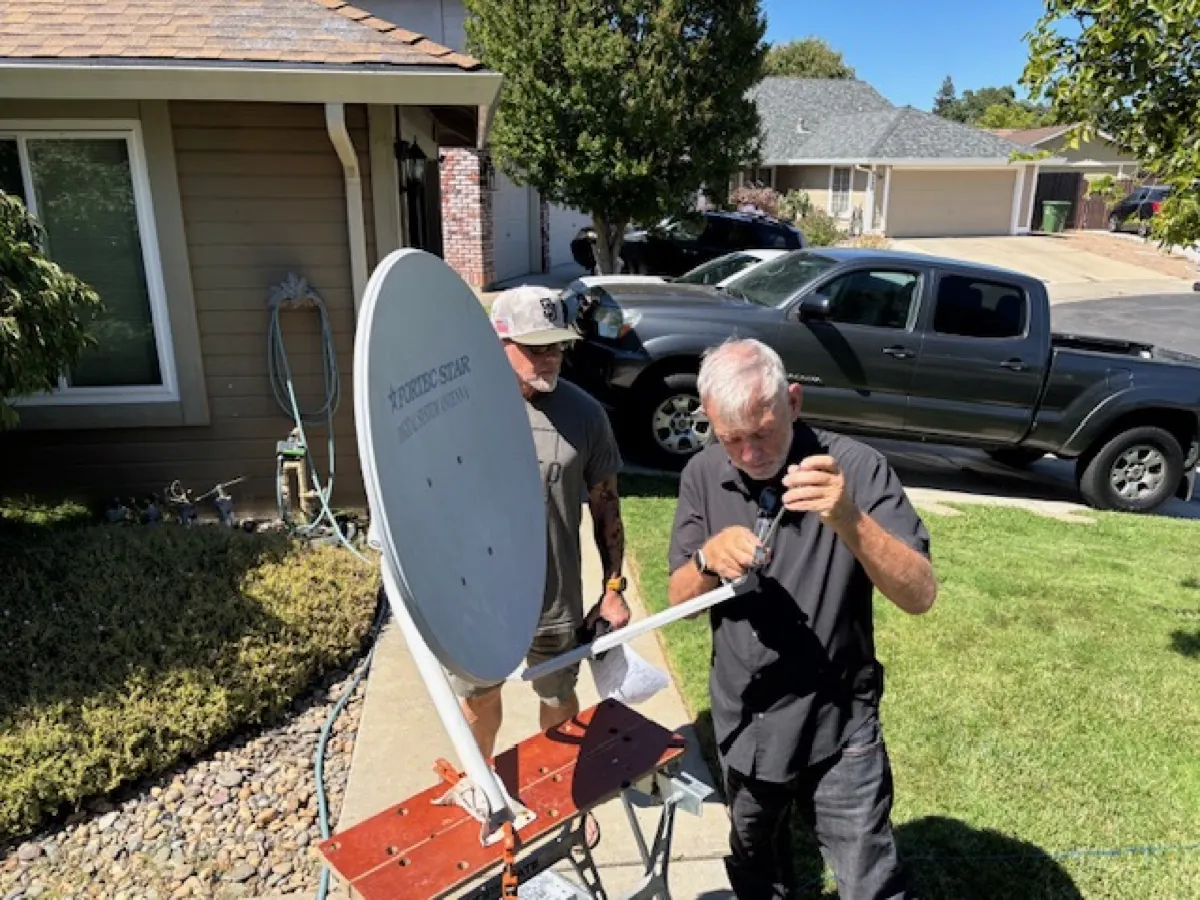 Photos and visualsCapture pictures that answer one question at a glance.
Printable PDFs
Every guide as a handout for briefings and offline use, plus the overview PDFs for board packets and partner meetings.