There's no single right kit. The right kit is the one that solves the actual field problem — no more, no less. Start with the smallest level that works, and build from there only when the mission setting calls for it.
The four common field configurations
These are not products for sale. They are planning patterns a ministry team can use when sourcing hardware, preparing content, and training local leaders. Start with Configuration 1 and add components only when the setting calls for them.
- Configuration 1 — Phone sharing — printed transfer guides, microSD card or USB drive loaded with resources, and simple step-by-step instructions. No technical setup needed.
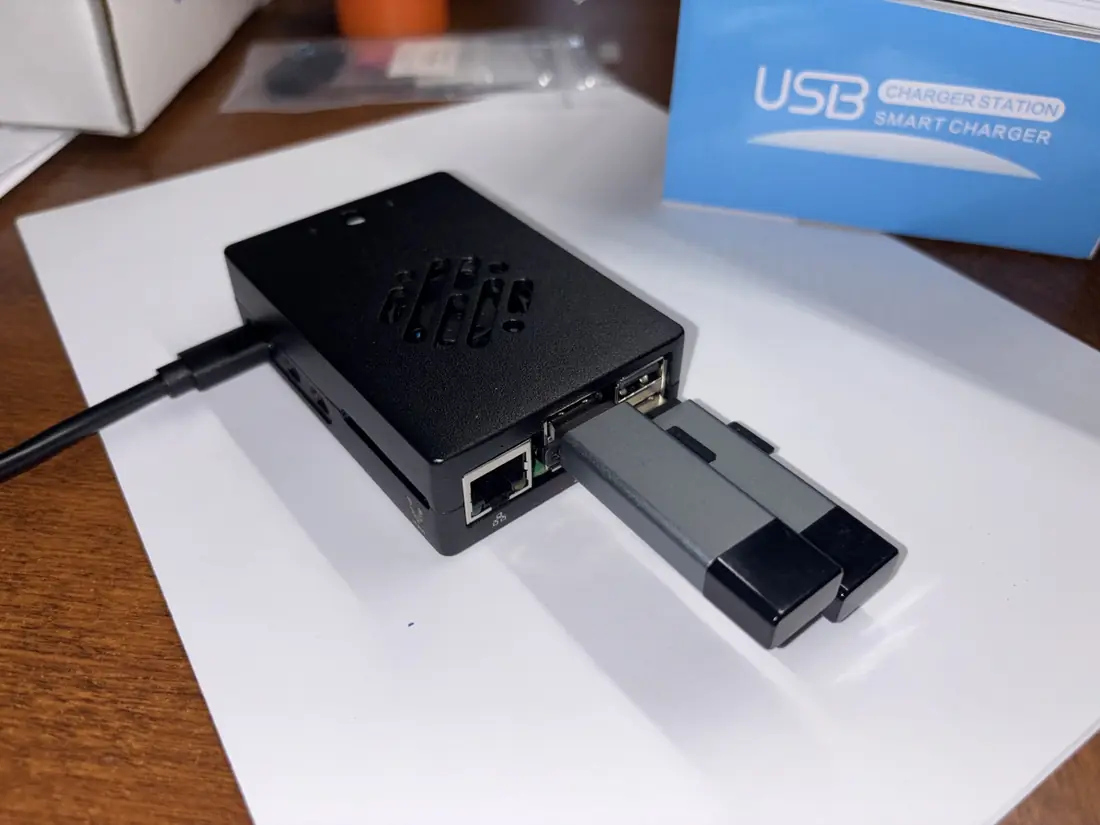
- Configuration 2 — Local Wi-Fi library — Raspberry Pi, storage, and power supply. Creates a local Wi-Fi network that any nearby phone can join and browse offline.
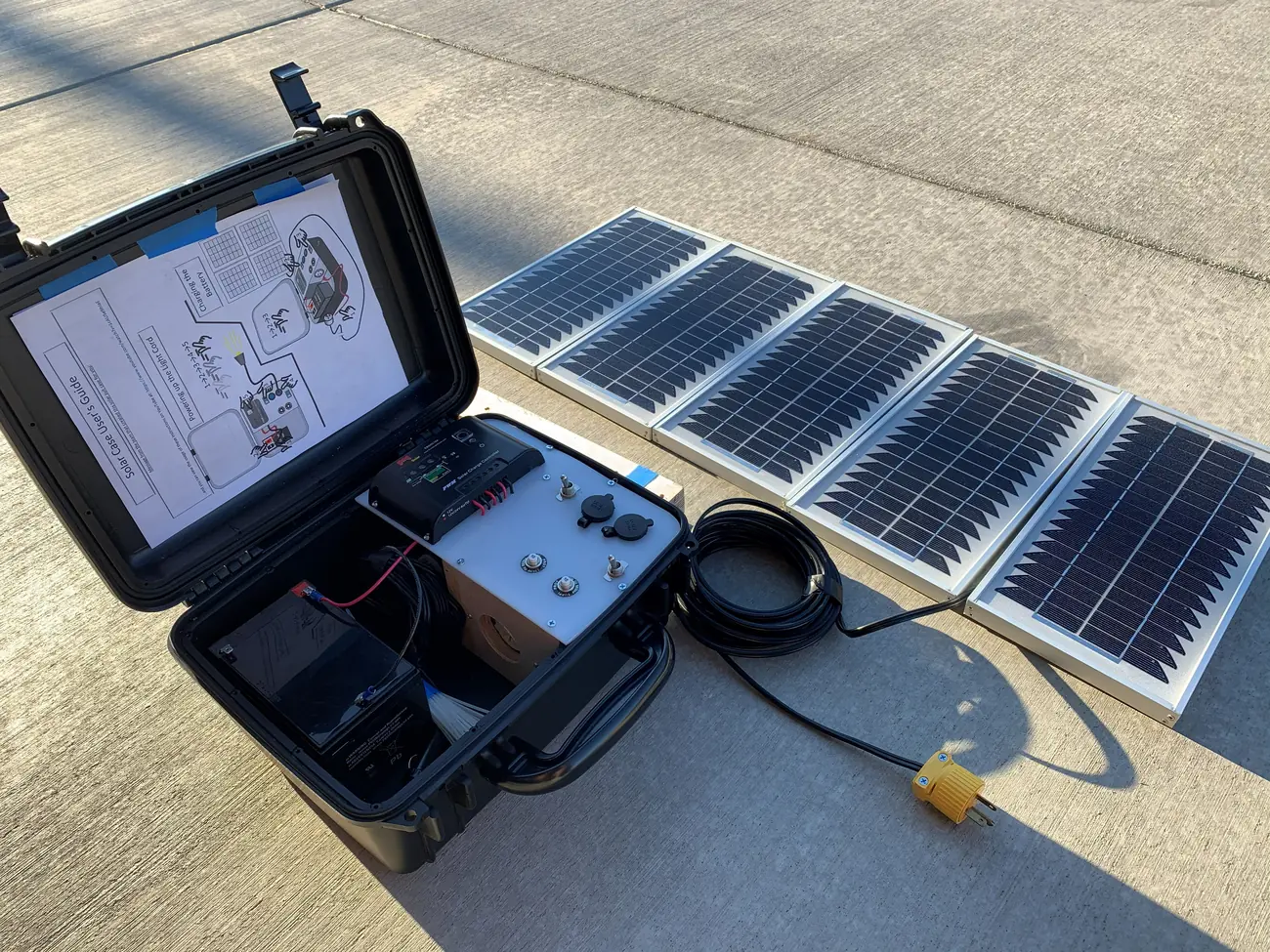
- Configuration 3 — Power and group media — adds battery backup, solar panel, Bluetooth speaker, and a portable projector for group teaching sessions and film nights.
- Configuration 4 — Satellite receive and replay — optional Free-to-Air broadcast reception, projection, and replay path for regions where useful Christian content is already broadcasting.
How to choose the right level
- Define the use case first
Is the need personal phone sharing, group teaching, local library access, projector teaching, satellite broadcast reception, or all of those? The use case drives everything else.
- Start with the simplest configuration
Phone sharing costs very little and works almost everywhere. Start there unless you already know the field needs a local Wi-Fi library or group media setup.
- Add power only when it's a real need
Choose battery or solar based on how long sessions run and how reliable the local grid is. Don't add solar if wall power is available.
- Add media for group settings
A projector and speaker only make sense when one screen needs to serve a room or outdoor gathering. Add them when the kit is going to a church, school, or village setting.
- Assess satellite separately
Dish, LNB, alignment, recorder, and power needs vary by region. Treat satellite as a receive-and-replay path that gets its own assessment — not a default add-on.
- Keep components itemized
For board reporting and partner transparency, list each component — Pi, storage, projector, battery, solar, satellite receiver path — so the plan is clear and locally replaceable.
The most common mistake is over-building the first kit. A simple phone-sharing guide and a loaded microSD card can serve a community for years.
Download the Field Configurations overview as a printable PDF for board packets and field planning.
Download Field Configurations PDF