Getting a resource onto a phone is only half the job. The other half is making sure that person can access it again without data, and teach someone else to do the same. The access path matters less than whether the local person can repeat it independently.
The available access paths
Each path has a right setting. The simplest one that works is always the right choice. Don't introduce complexity the local team can't maintain.
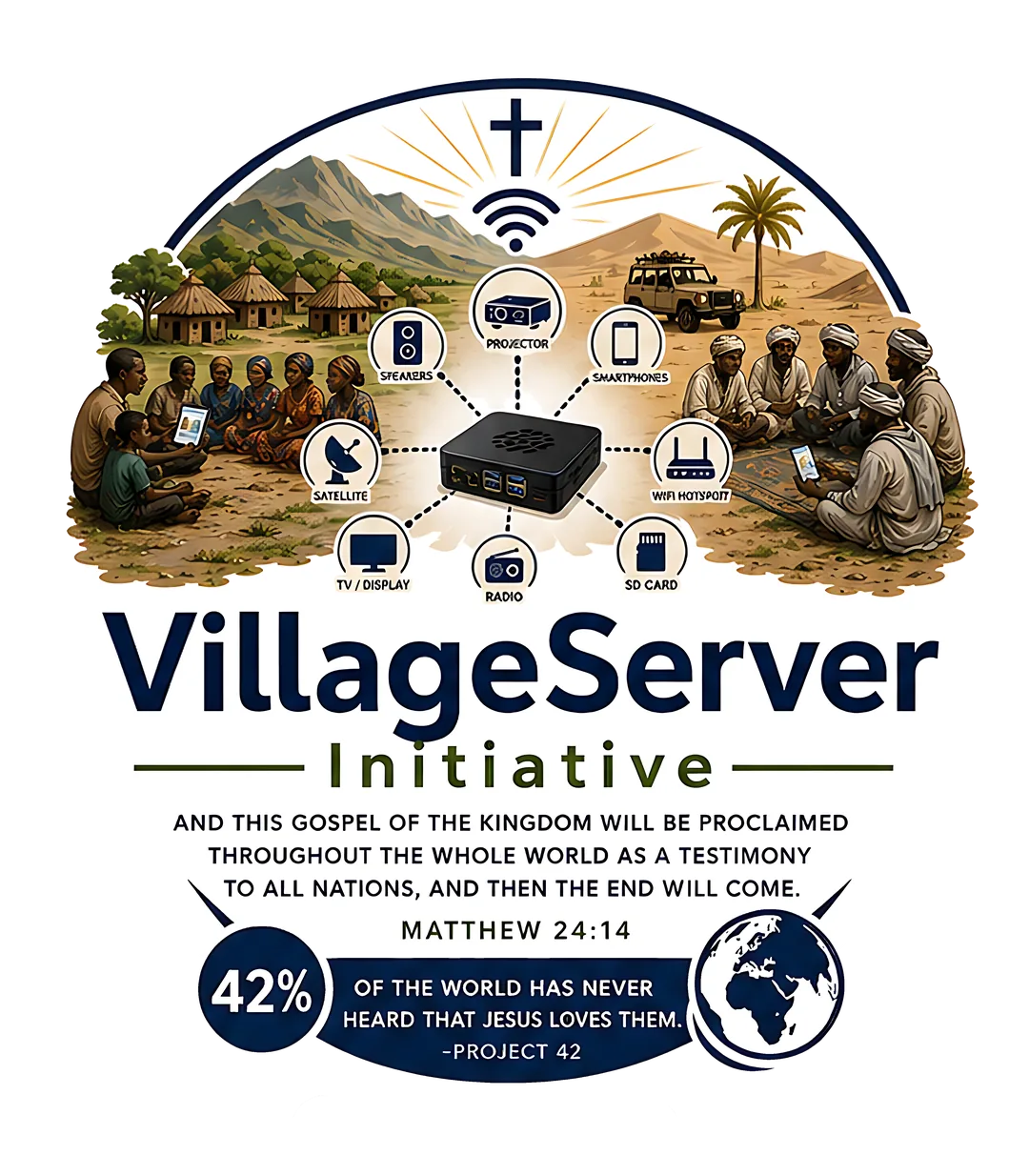
- Local Wi-Fi (Raspberry Pi) — best when many nearby phones need a library at once; phones join like any Wi-Fi network, no data required
- microSD or USB — best for copying large folders or moving files between devices without internet; insert, copy, done
- Phone to phone — best when one person already has the resource; uses AirDrop, Quick Share, or LocalSend depending on device types
- Printed steps — best for keeping the process repeatable after the team leaves; one page, one route, no tech required to use
Walking someone through it the first time
- Choose one path for this moment
Pick local Wi-Fi, phone sharing, microSD, USB, or printed guide based on what's available right now. Don't explain all the options — just pick the right one.
- Open one resource, not the whole library
Start with a single Bible book, audio file, film, or PDF. Opening the whole library first overwhelms people and slows down the session.
- Save it where they can find it again
Put the file in a folder they can locate without data — Downloads, a labeled subfolder, or the app they already use for music or documents.
- Share it to one nearby person
Use AirDrop, Quick Share, LocalSend, USB, or microSD to move the file to a second device while the first person watches.
- Leave the matching handout
Give the person the printed PDF for this access path so they can repeat the steps without you being there.
- Ask them to teach it to one more person
Have the new user show another person how to access the same file before the session ends. That's when it becomes local knowledge.
Download the Get and Share overview as a printable PDF for field briefings and local leader training.
Download Get and Share PDF